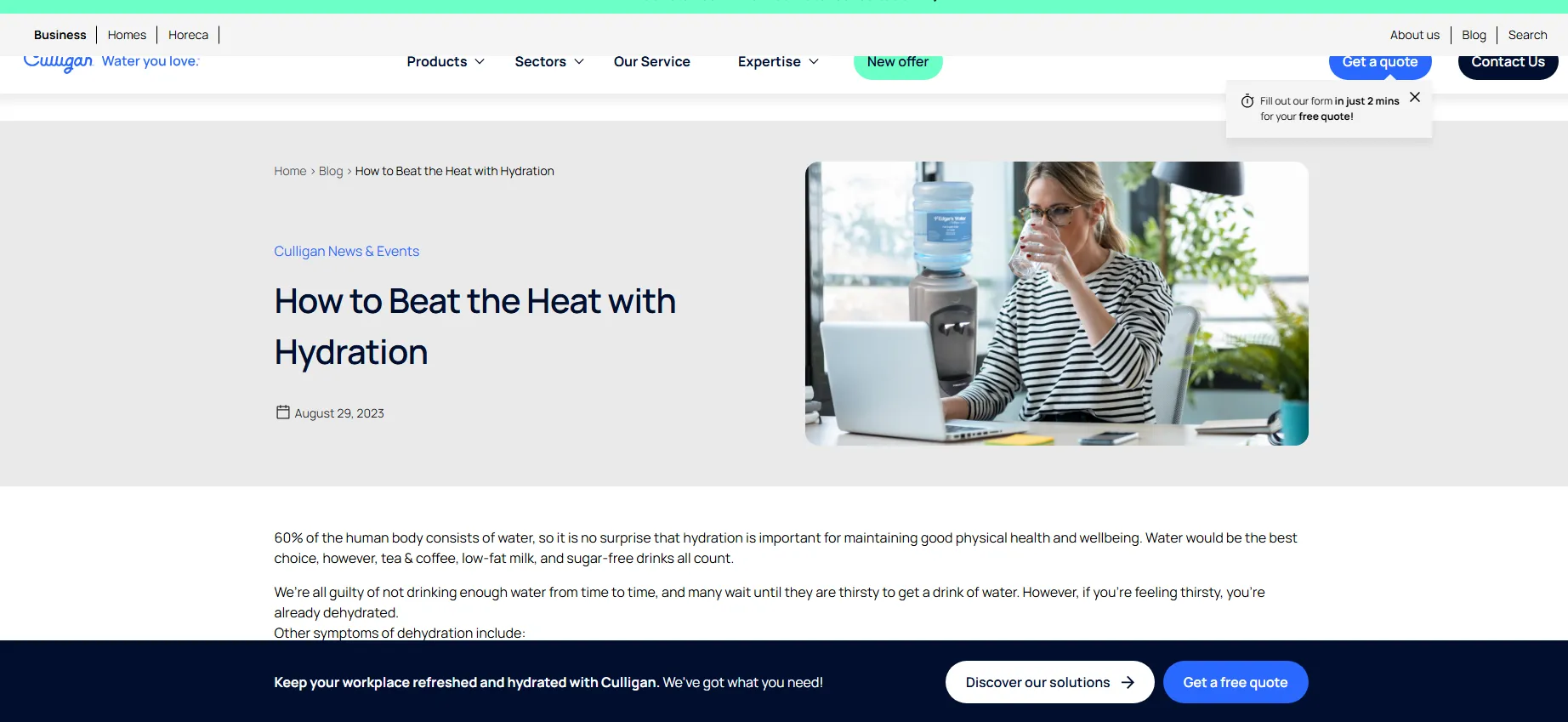
Example
Instructions
01:
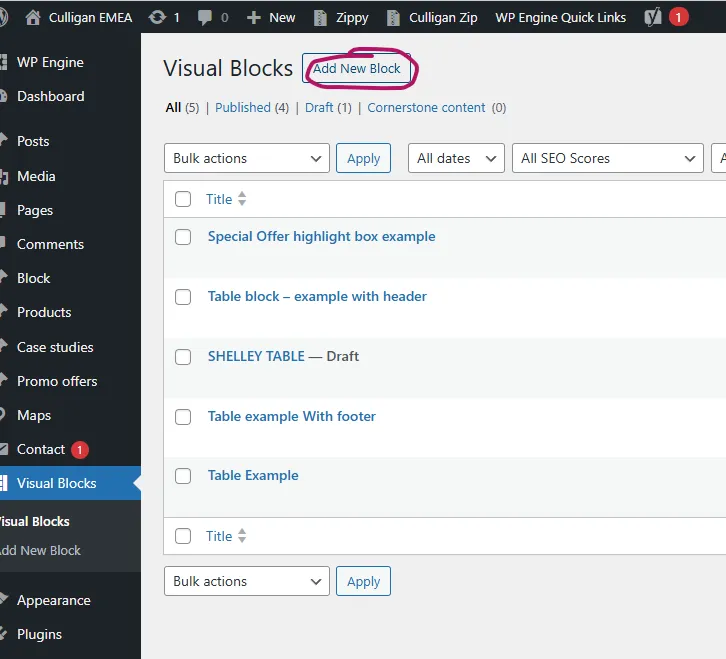
In the backend, click ‘Visual Blocks’ on the left hand side.

02:
Create a new block
03:
Create a new block – please give a meaningful name that is easy to reference.
Don’t call it something too simple or hard to track later, e.g. ‘water-1’ ‘table1′ table’,
Choose: Floating banner for blogs only

04:
On the right site you fill your text and URL, when done – Publish

Or switch to edit and fill your text and URL, when done – Publish
05:
Under Visual Block on the right you will find Block Shortcode that you need to copy so you can use it on your blog

06:
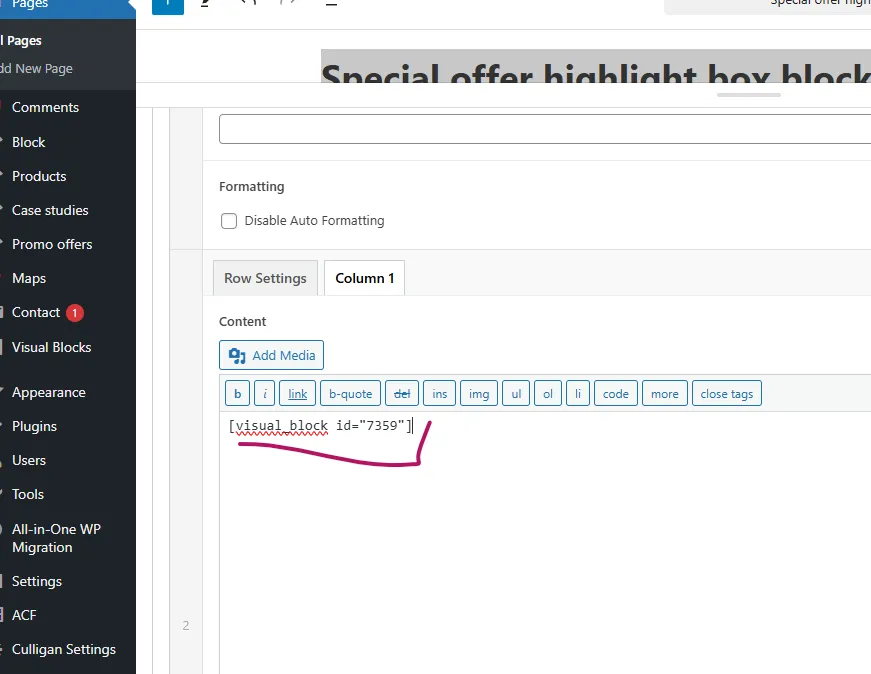
Add the Block Shortcode that you copied to blog